

Bookings & Customer Workflows
Save time, reduce manual work and create a more professional customer experience with structured booking and communication workflows.
Smart booking calendar with timeline
Pre-filled SMS to customer
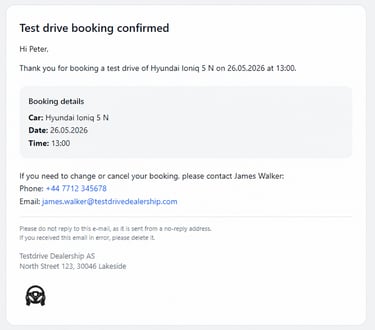
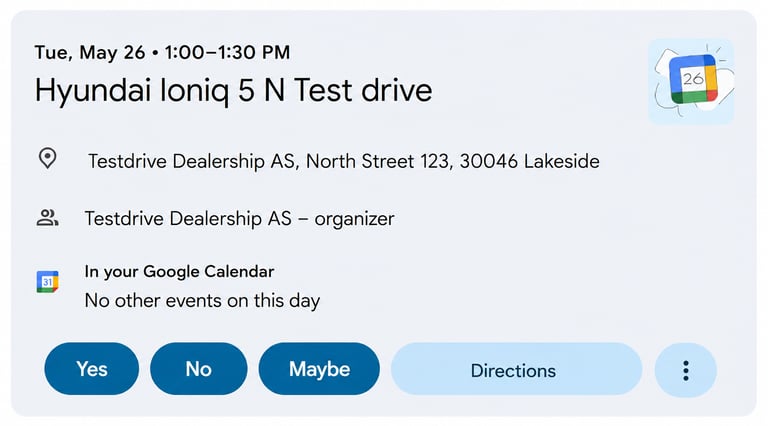
E-mail with calendar invitation

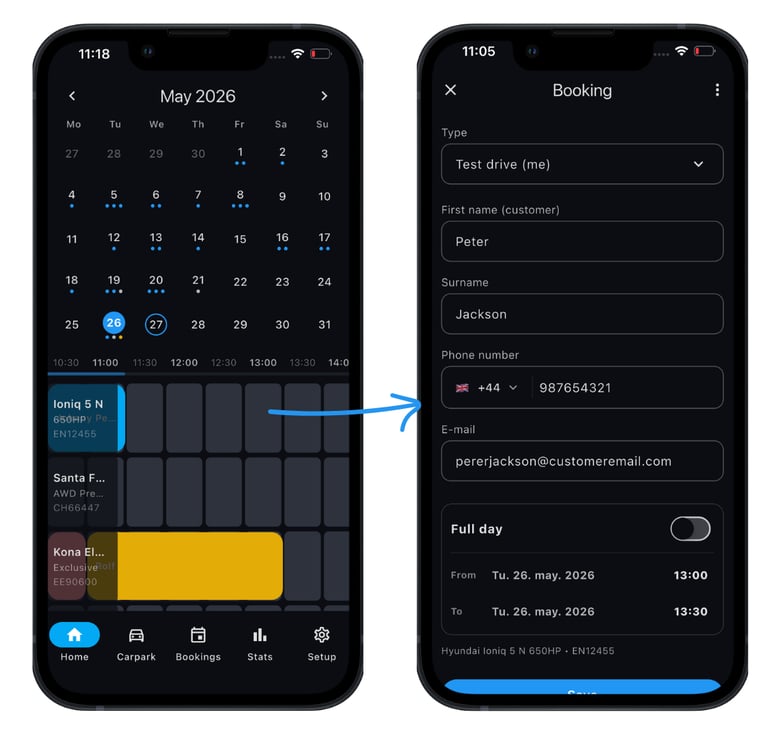
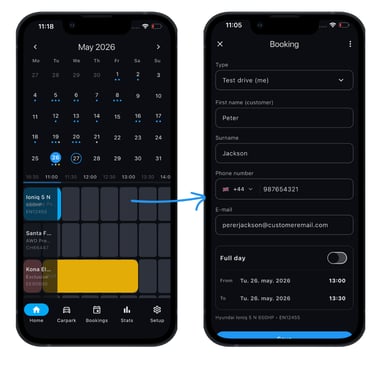
All vehicle bookings in one shared calendar
Dedicated timeline for every vehicle
Date, time and vehicle selected automatically in one click
Get a real-time overview of vehicle availability and bookings across your dealership.
Faster booking creation with a structured workflow
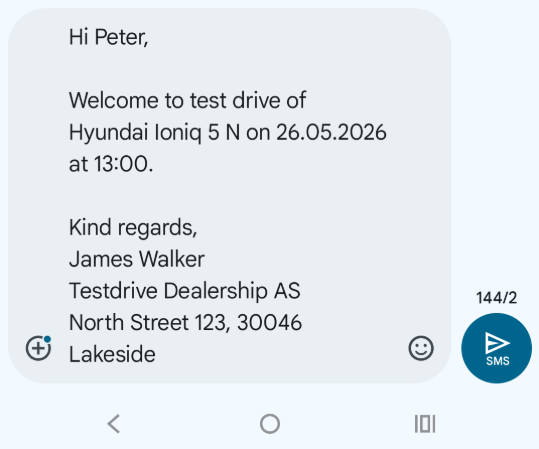
SMS opens automatically after saving the booking
Customer, booking and dealership details already filled in
Sent directly from the salesman’s own phone number
Faster, more personal customer communication
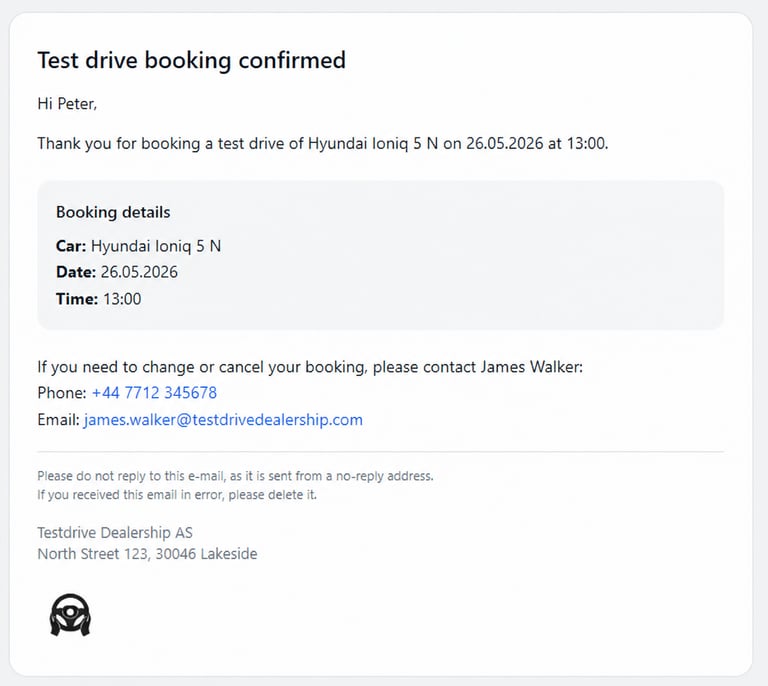
Professional booking confirmation sent automatically to customer by e-mail
Built-in calendar invitation for the customer
Salesman receives synchronized calendar invitation
Reduce missed appointments and no-shows
Changes and cancellations updated automatically for both parties
Booking overview & follow-up
Search and filter bookings and customers
Quickly find previous and upcoming bookings
Export booking lists for lead follow-up and reporting
Keep booking history organized in one place
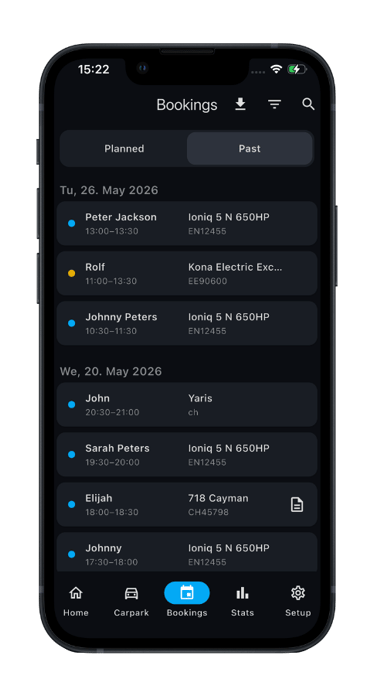
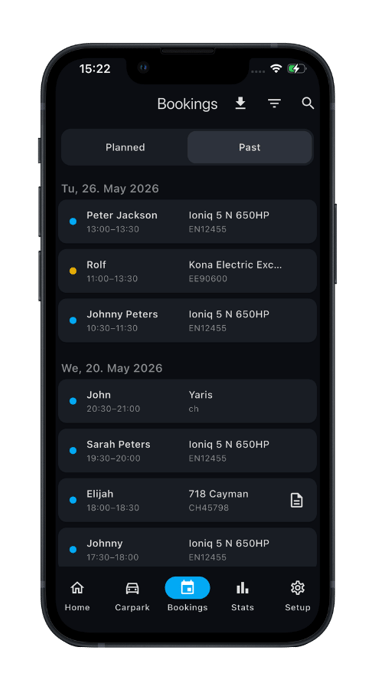
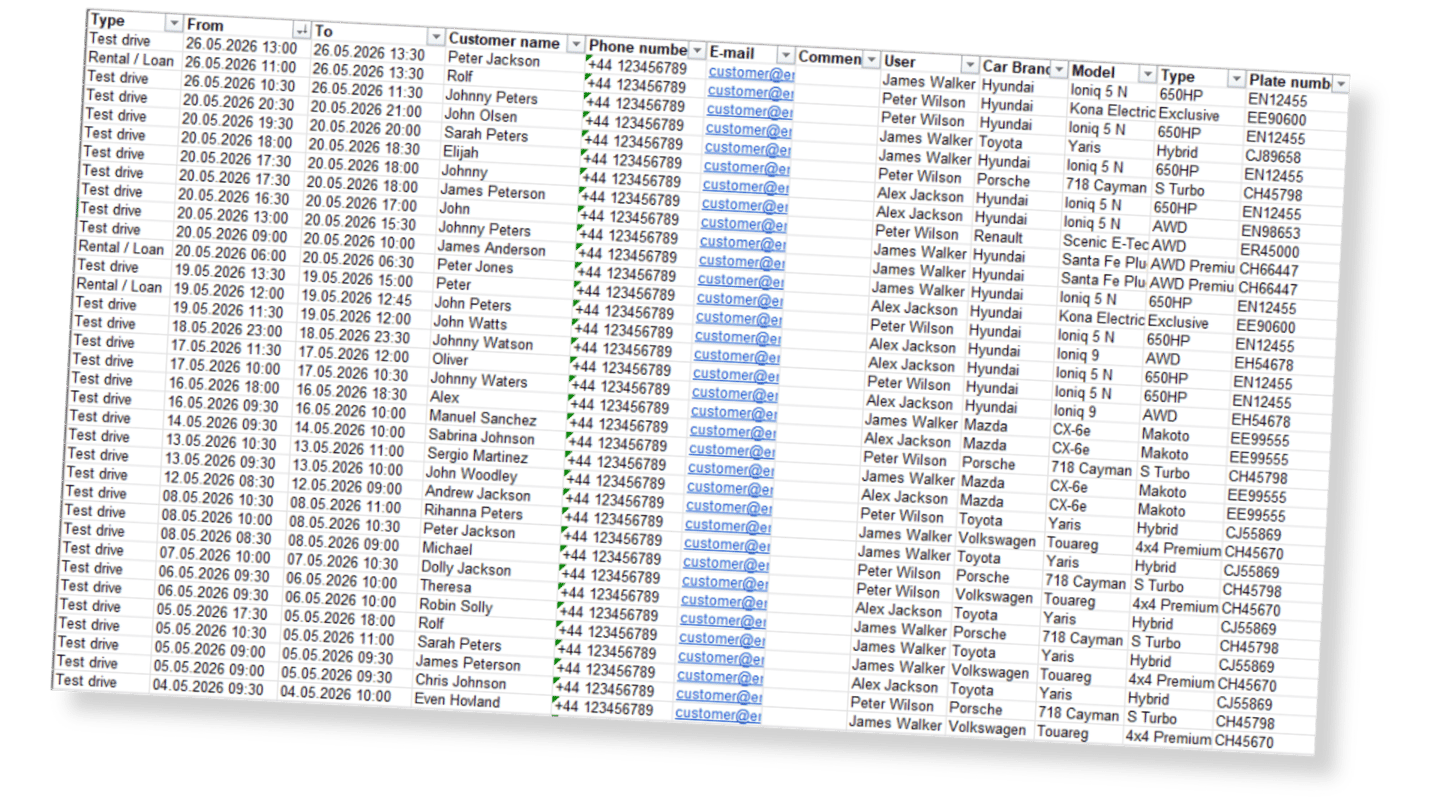
Reduced risk of double bookings and scheduling conflicts
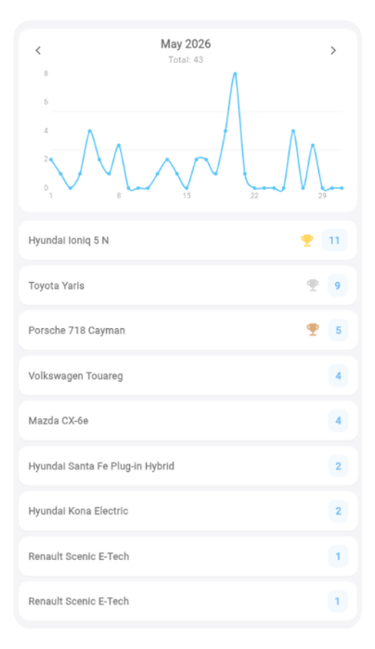
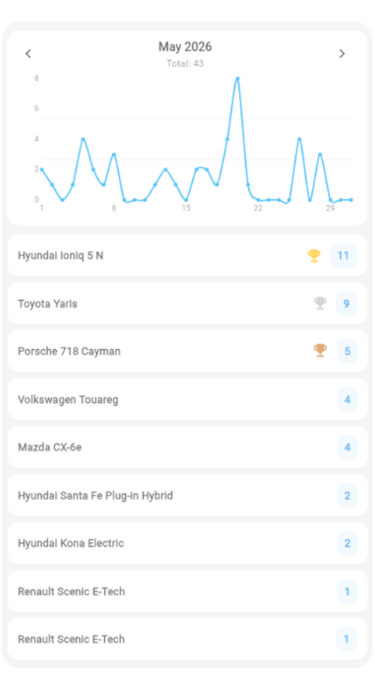
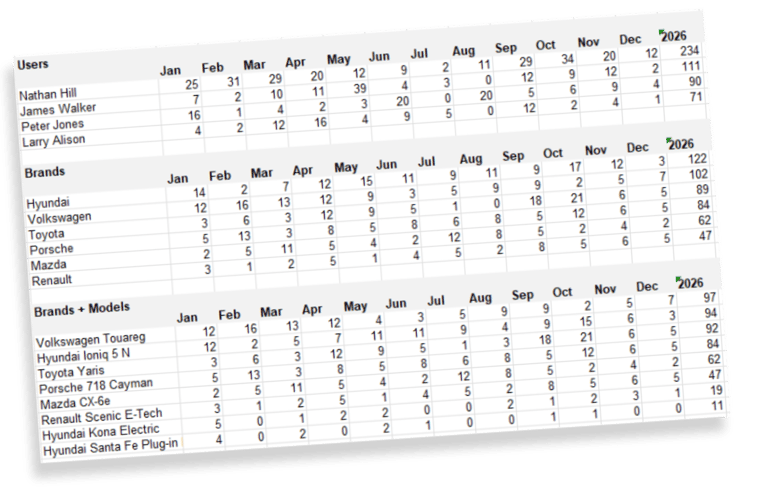
Statistics & Insights
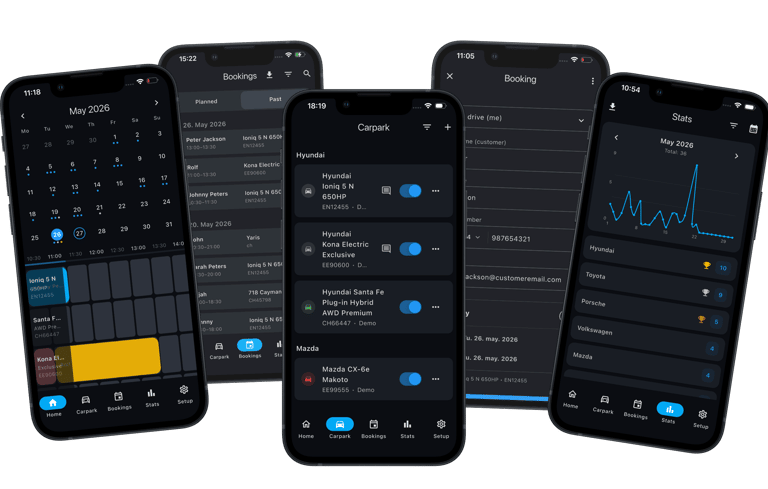
Track test drive activity, vehicle popularity and salesperson performance across dealerships, brands and models through one centralized reporting overview.
Analyze customer demand, compare results between dealerships and sales teams, and identify your most requested brands and models through clear and easy-to-understand statistics.
Carpark & Fleet Management
Keep your dealership fleet organized and customize the workflow for each individual user.
Fleet overview & vehicle management
Personalized workflow preferences
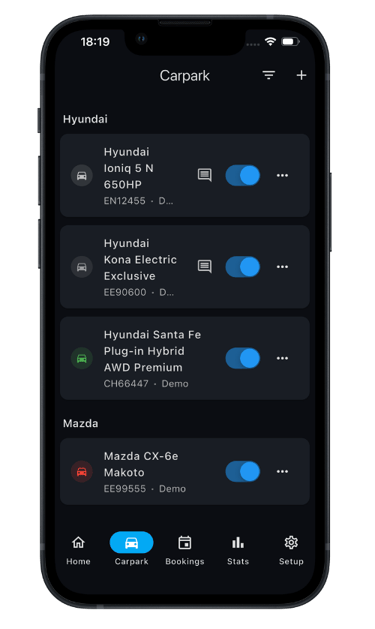
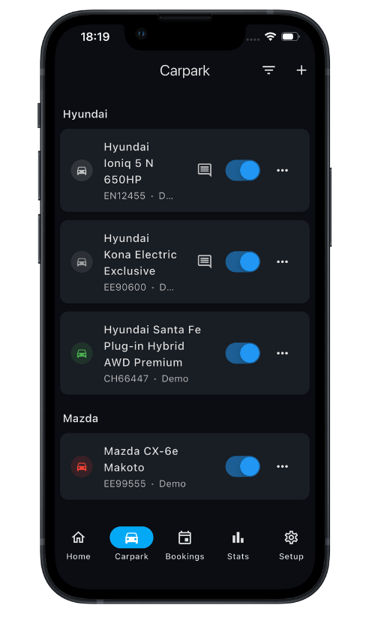
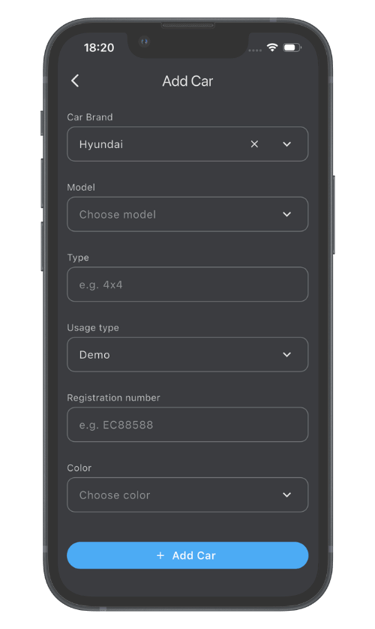
Add, edit, delete and manage dealership vehicles
Control which vehicles appear in the booking timeline
Add shared vehicle comments and internal information
Keep the entire dealership fleet organized in one place
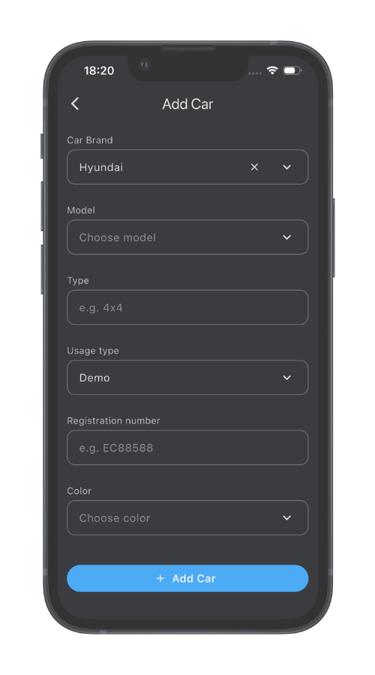
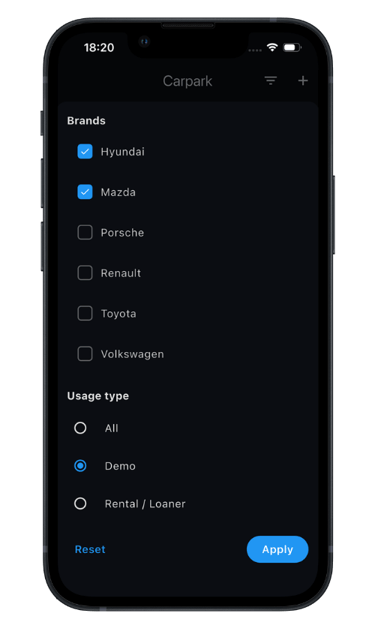
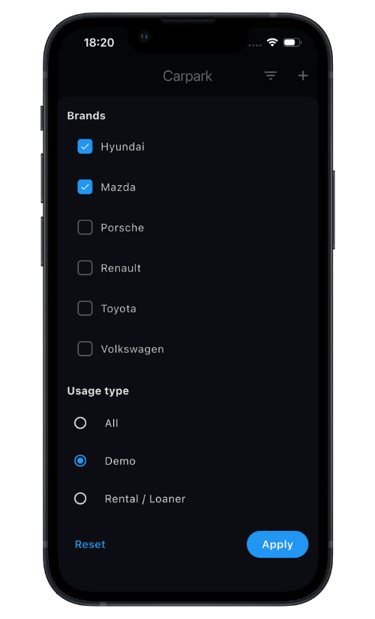
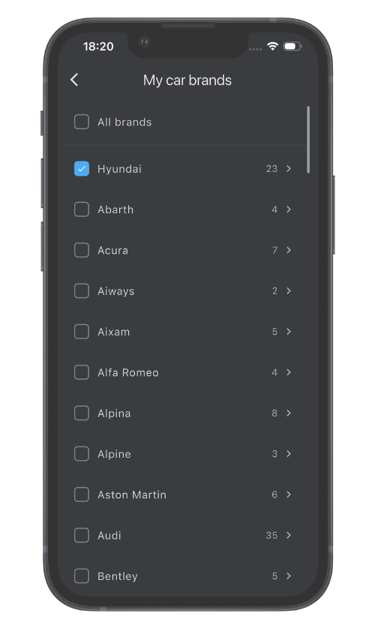
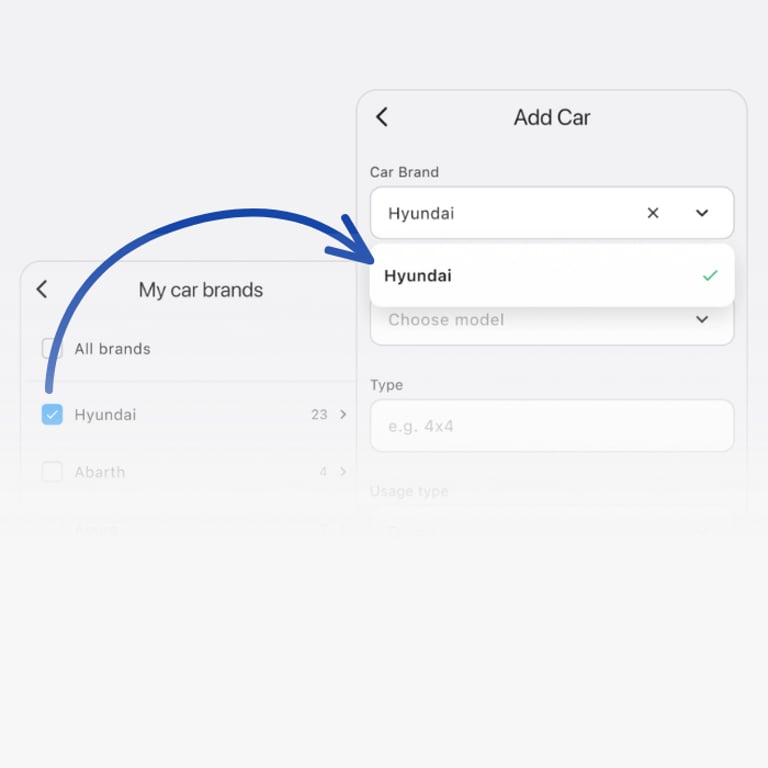
Automatically filter brands and models based on user preferences
Reduce repetitive selection and speed up workflows
Show only the brands and vehicle types relevant for each user
Manage demo and rental / loan vehicles separately
User & Dealership Management
Manage users, permissions, dealerships and dealer groups from one centralized platform.
User Access & Role Management
Dealer Group Support
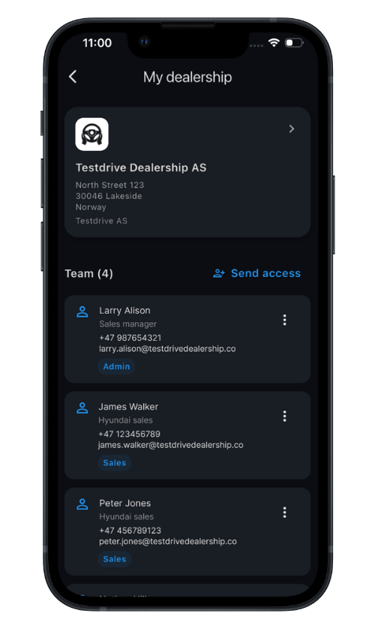
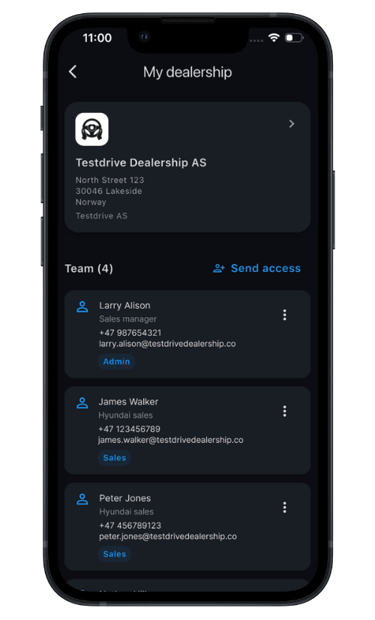
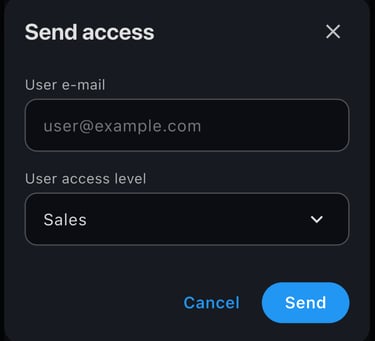
Sales and Admin roles
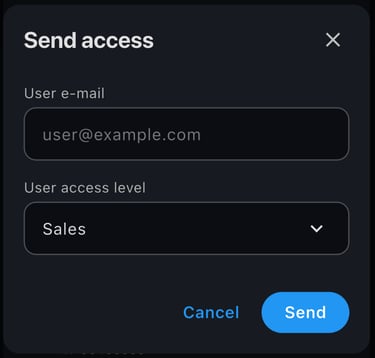
Admin users can invite and remove users themselves
No need to contact MyDrively to manage access
Complete dealership user overview
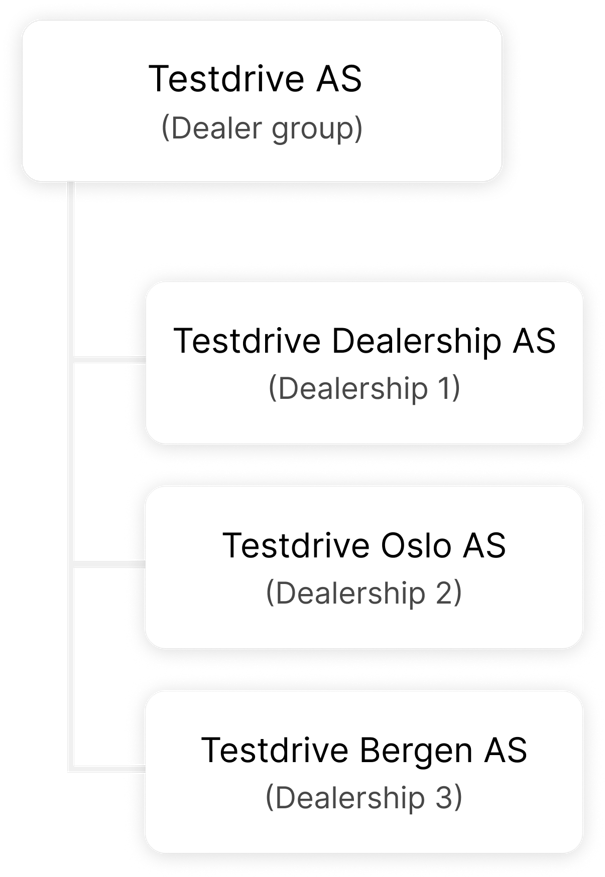
Users can have access to and switch between multiple dealerships
Dealer group headquarters get their own workspace
Group-level statistics across all dealerships
User Preferences & Personalization
Customize your app and booking workflows based on your needs and preferences.
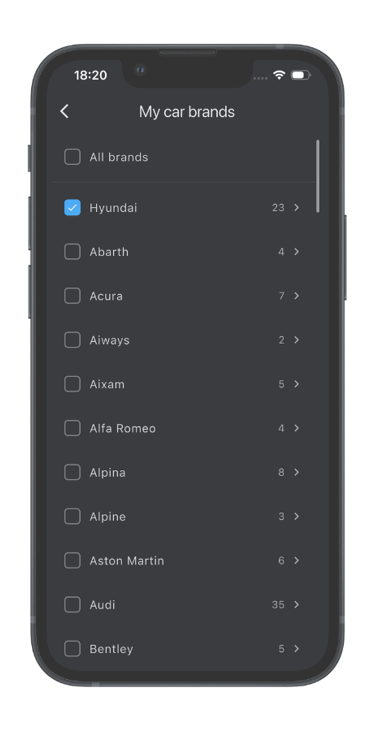
My car brands
Only show the vehicle brands and models relevant to your daily workflow.
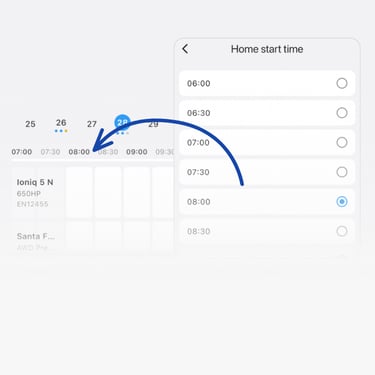
Timeline Preferences
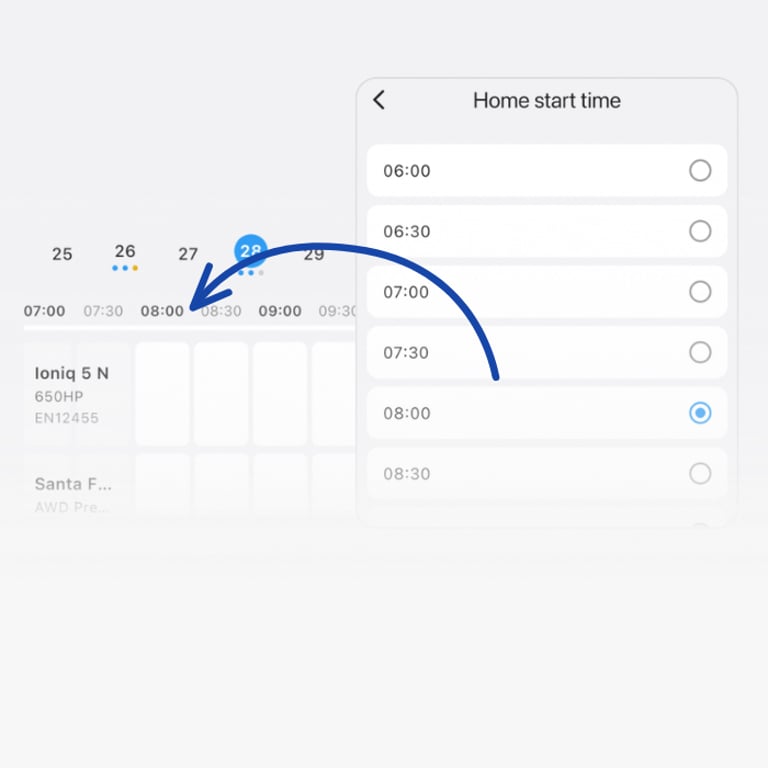
Select the start time of the timeline for a cleaner workflow.
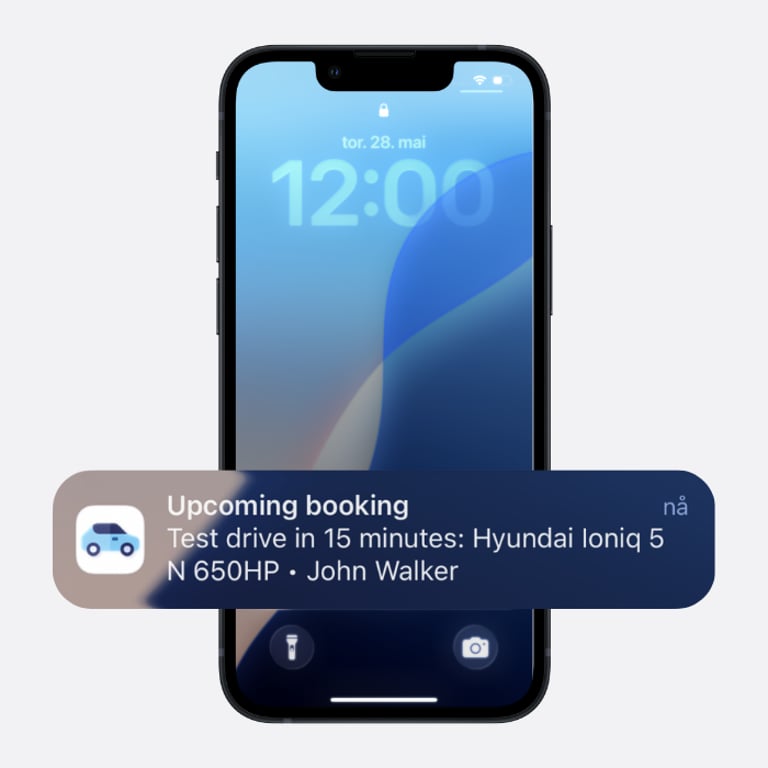
Automatic push notifications help employees stay prepared for upcoming bookings.
Booking Reminders
Communication settings
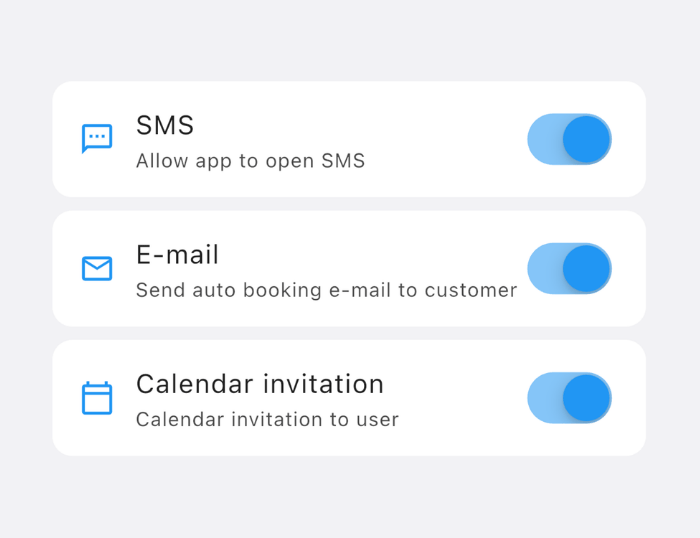
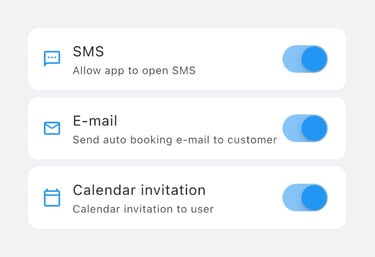
Enable or disable pre-filled SMS, customer and user e-mails and calendar invitations.
Dark & Light Mode
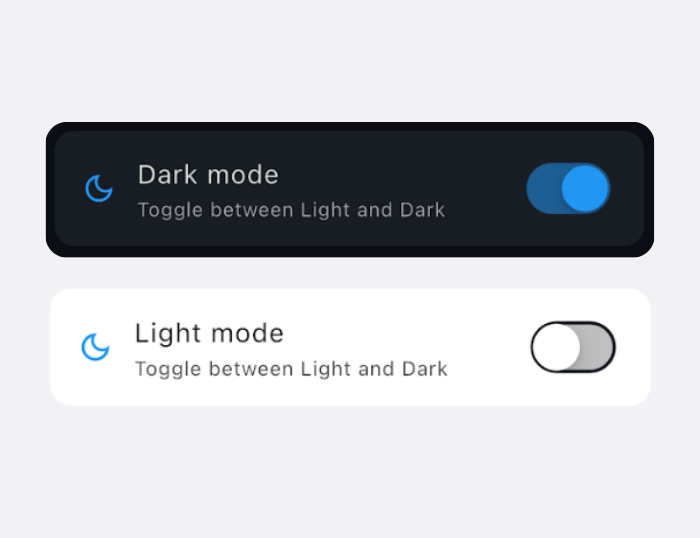
Choose the interface appearance that best fits your working environment.
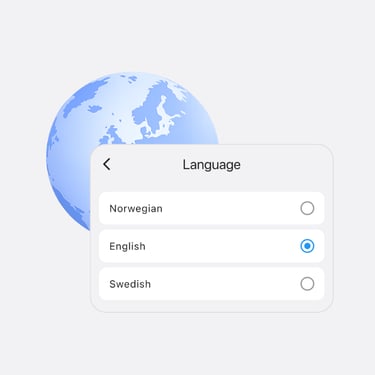
Multi-language Support
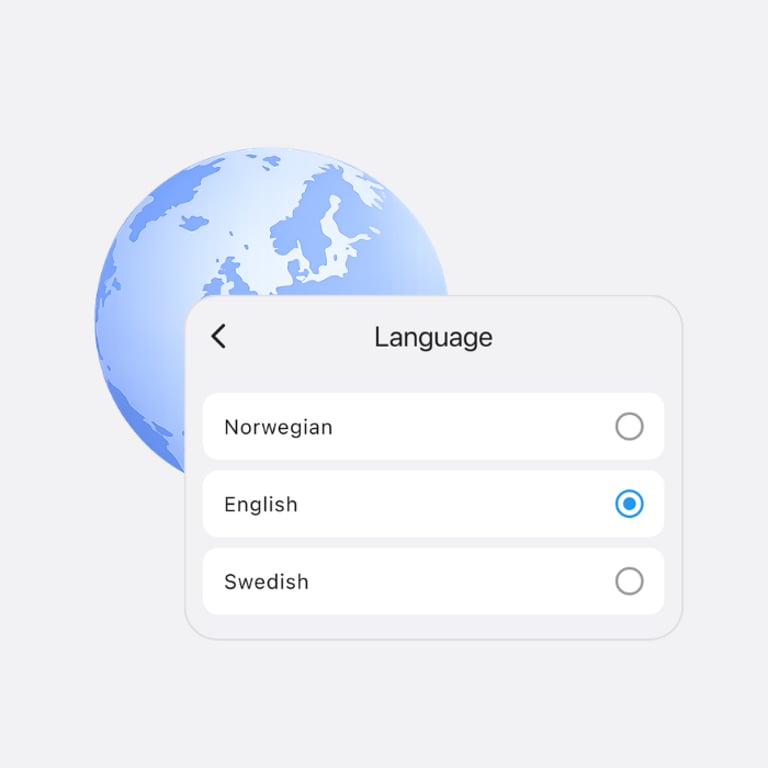
Change the language of the app, notifications, SMS and e-mails.
How do you manage test drives today?
Every dealership has its own processes, routines and tools for managing demo vehicles, bookings and customer communication.
We're always interested in learning how dealerships handle these workflows today, what works well and where there may be opportunities for improvement.
Whether you're using spreadsheets, calendars, manufacturer systems or another solution, we'd love to hear about your experience.
Getting started with MyDrively is straightforward. Once you're ready, we'll help configure your dealerships, user access, branding and settings, ensuring your team is fully onboarded and ready to go with minimal effort.
MyDrively
Dealership booking and vehicle coordination software for automotive dealerships and dealer groups.
Contact
contact@mydrively.co
+47 95 40 50 30
© 2026 MyDrively. All rights reserved.
HOMe